Conditional Logic: What to Look for in an AI Task Automation Tool
You are comparing AI task automation tools, but most demos look identical until your first complex approval chain breaks. Teams usually switch after a workflow hits a dead end, not because they lacked features.
This guide breaks down the conditional logic capabilities that actually matter, how they handle integrations, and which tools scale without forcing you to rebuild. You will get concrete evaluation criteria for triggers, actions, and approvals, plus a clear number one pick for WhatsApp-native teams.
What to Look For in an AI Task Automation Tool
To choose the right AI task automation tool, you need to evaluate how well it handles conditional logic, integrates with your existing stack, and scales with your team's workflow complexity. The best automation tools do more than just run simple commands. They make decisions based on the data they receive, which is where conditional logic becomes essential.
Real-world tasks rarely follow a straight line. An email might come in with an urgent subject line, a form submission might contain missing fields, or a support ticket might need escalation based on customer tier. Without conditional logic, your automation workflow will stall at the first unexpected input.
A capable automation tool should support if-then rules, Boolean conditions, and branching logic to handle these scenarios gracefully. It should also offer integration flexibility so you can connect it to the apps your team already uses every day. Keep these high-level criteria in mind as you evaluate the detailed capabilities below.
Core Conditional Logic Capabilities
Core conditional logic means the ability to create complex if-then rules with multiple conditions, logical operators (AND, OR, NOT), and nested branches that adapt to different inputs. A basic tool that only handles a single condition will force you to build clunky workarounds for everyday situations.
Consider a common task automation scenario: if task is urgent AND assignee is available, then notify immediately. What happens when the assignee is unavailable? A strong tool lets you add an else branch to escalate to a manager or reassign the task. This is the difference between a rigid script and a true decision-making workflow.
When evaluating tools, look for these capabilities:
- Support for multiple conditions per rule with logical operators (AND, OR, NOT)
- Nested if-then-else structures that can handle several layers of decision-making
- Fallback logic for error states, missing data, or unexpected inputs
- Boolean conditions that let you combine and filter inputs precisely
The interface matters just as much as the underlying engine. A visual rule builder with drag-and-drop blocks is easier for non-developers to maintain than raw code. Some tools use decision trees or rule engines to map out complex branching logic. Ask whether you can see the full automation workflow at a glance or if you have to dig through separate rule definitions.
Test the tool with a realistic scenario that involves multiple decision points. See how easily you can modify a rule when business requirements change. The best rule engines let you update conditions without rebuilding the entire automation workflow from scratch.
Integration and Workflow Flexibility
Integration and workflow flexibility determine whether the tool can plug into your existing apps and let you design dynamic workflows that respond to real-time triggers. A powerful conditional logic engine is useless if it cannot connect to the systems where your data actually lives.
Start by checking pre-built integrations with popular apps like Slack, Trello, Gmail, and CRM platforms. These native connectors save you significant setup time. However, your stack will inevitably include something less common. API access and webhook support ensure you can build custom connections when no pre-built integration exists.
Look for a flexible workflow engine that supports multiple types of automation triggers:
- Scheduled triggers for recurring tasks and daily routines
- Event-based triggers that fire when something changes in a connected app
- AI-driven triggers that use intent recognition and context awareness to start workflows
Dynamic workflows are the next level of sophistication. The next step in your action sequence should depend on the outcome of the previous action. For example, if a payment fails, the workflow should check the error type and decide whether to retry, notify the customer, or flag the account for manual review. This is conditional branching in action.
Error handling and retries are critical components of workflow flexibility. Real systems fail, APIs time out, and data arrives in unexpected formats. A good tool lets you define what happens when something goes wrong, rather than silently dropping the task. Look for configurable retry limits, error notifications, and fallback actions that keep your task orchestration running smoothly.
Finally, consider how the tool handles AI model integration. Some automation tools allow you to incorporate natural language processing or AI decision-making directly into your rules. This lets you build workflows that understand intent from free-text input and route tasks accordingly, adding a layer of intelligence beyond simple rule-based automation.
1. Tasks.Bot - Best Overall
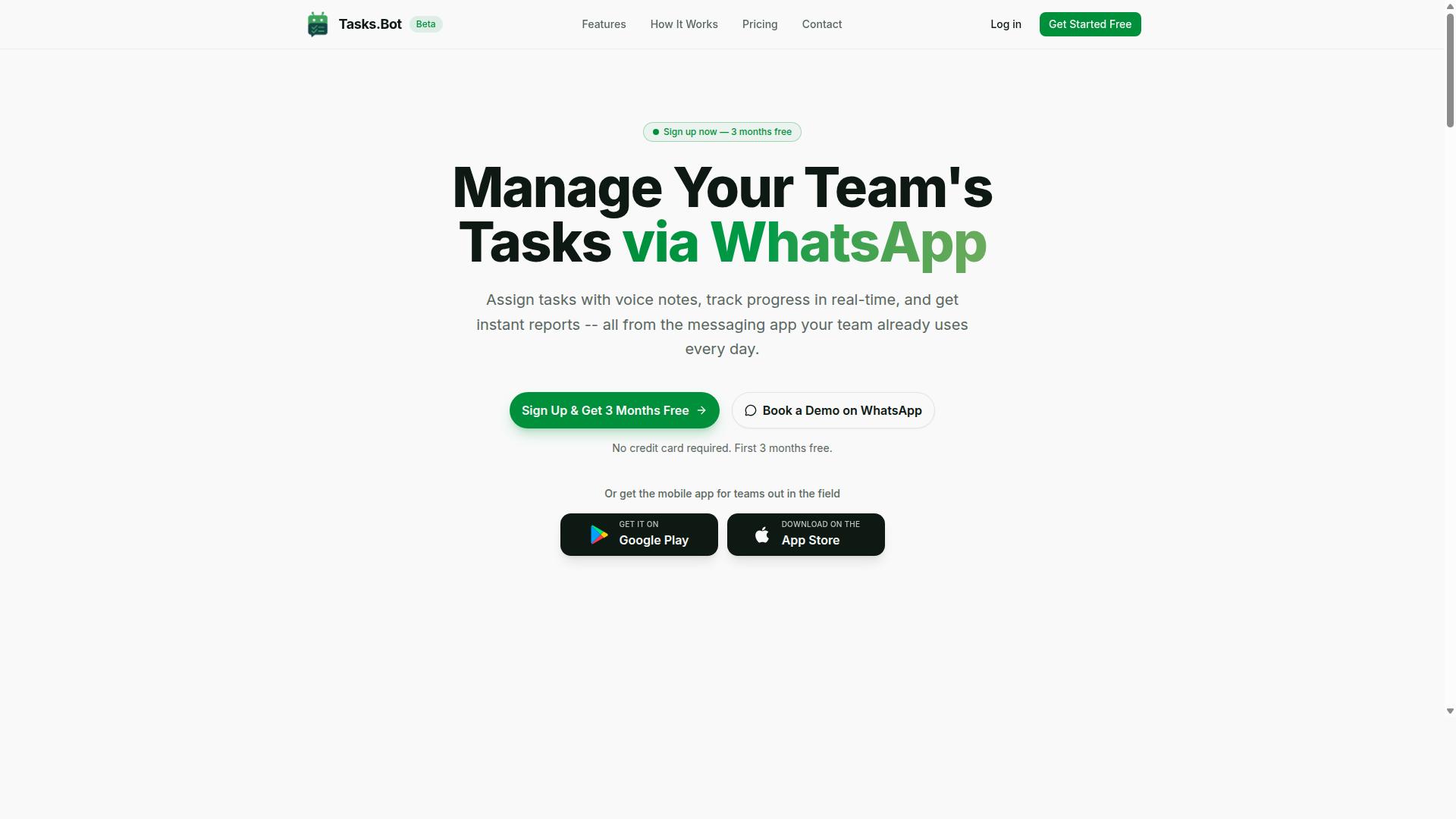
Tasks.Bot stands out as the best overall AI task automation tool because it brings powerful conditional logic directly into WhatsApp, the app your team already uses daily. This approach removes the biggest barrier to workflow automation adoption: learning a new system. Your team members simply continue working in a familiar chat interface while the automation engine handles the heavy lifting behind the scenes.
The platform operates entirely within WhatsApp, so there are no new apps to install and no new accounts to create. This makes it an ideal choice for teams that want AI automation without the onboarding friction. The tool uses AI to understand natural language, which means you can describe a task in plain words and the system interprets your intent correctly.
For teams evaluating task automation tools, the core question is whether the rule engine can handle real-world complexity. Tasks.Bot answers that with conditional logic that manages approvals, deadlines, and field tracking. The sections below break down exactly how these capabilities work in practice.
Native WhatsApp Automation and AI Voice Task Creation
Tasks.Bot's native WhatsApp automation means you can create tasks and set up automations directly from chat, and its AI voice task creation lets you simply speak a task to capture it. Instead of typing out detailed descriptions or filling in forms, you record a voice note. The AI interprets the intent and context, then creates a task with the appropriate attributes automatically.
This natural language processing capability is a game changer for task capture. Research suggests that voice input is significantly faster than typing, especially on mobile devices where most WhatsApp usage happens. When a field worker or manager can dictate a task while on the move, the friction of task creation drops dramatically.
The tool also offers Android and iOS apps with push notifications, voice capture, and a home screen widget. However, the beauty of the system is that these apps are optional. Team members who prefer to stay in WhatsApp can do so without missing any functionality. The AI understands user intent from messages and voice notes alike, which means the automation workflow starts the moment you communicate a task, not when someone remembers to log it.
For teams with mixed technical comfort levels, this approach is particularly valuable. Senior staff who avoid complex project management tools can still participate fully in the task automation system. The context awareness built into the AI ensures that tasks are captured with the right details, even when the original message was casual or incomplete.
Conditional Approvals, Deadlines, and Field Tracking
Tasks.Bot applies conditional logic to approvals, deadlines, and field tracking, ensuring that tasks move forward only when the right conditions are met. The approval system uses if-then rules to route tasks appropriately. For example, if a task value exceeds a certain threshold, the system requires manager approval before work begins. This rule-based automation prevents unauthorized spending while keeping routine tasks moving without bottlenecks.
Smart deadline reminders use trigger conditions to keep work on schedule. If a deadline is approaching and the task status remains incomplete, the system sends a reminder automatically. This dynamic workflow approach means no task slips through the cracks simply because someone forgot to follow up.
For teams with field staff, the field tracking features are particularly useful. Tasks.Bot offers face-verified attendance and live GPS tracking, along with shifts, leave, and hours management. The system tracks attendance with facial verification and provides live location data through tasks on a map and a live day tracker. This makes the platform payroll-ready for hours management, reducing the administrative burden on managers who oversee remote or mobile teams.
Automatic task assignment is another area where conditional branching shines. The system assigns tasks based on rules you define, such as workload, location, or skill set. This decision tree approach ensures that the right person receives each task without manual routing.
Enterprise-grade encryption protects all conversations and task data. The platform never shares or uses your data for training purposes, which is an important consideration for teams handling sensitive information. Instant reports provide visibility into task completion, attendance, and hours, giving managers the data they need without manual compilation.
2. Reminderly.ai
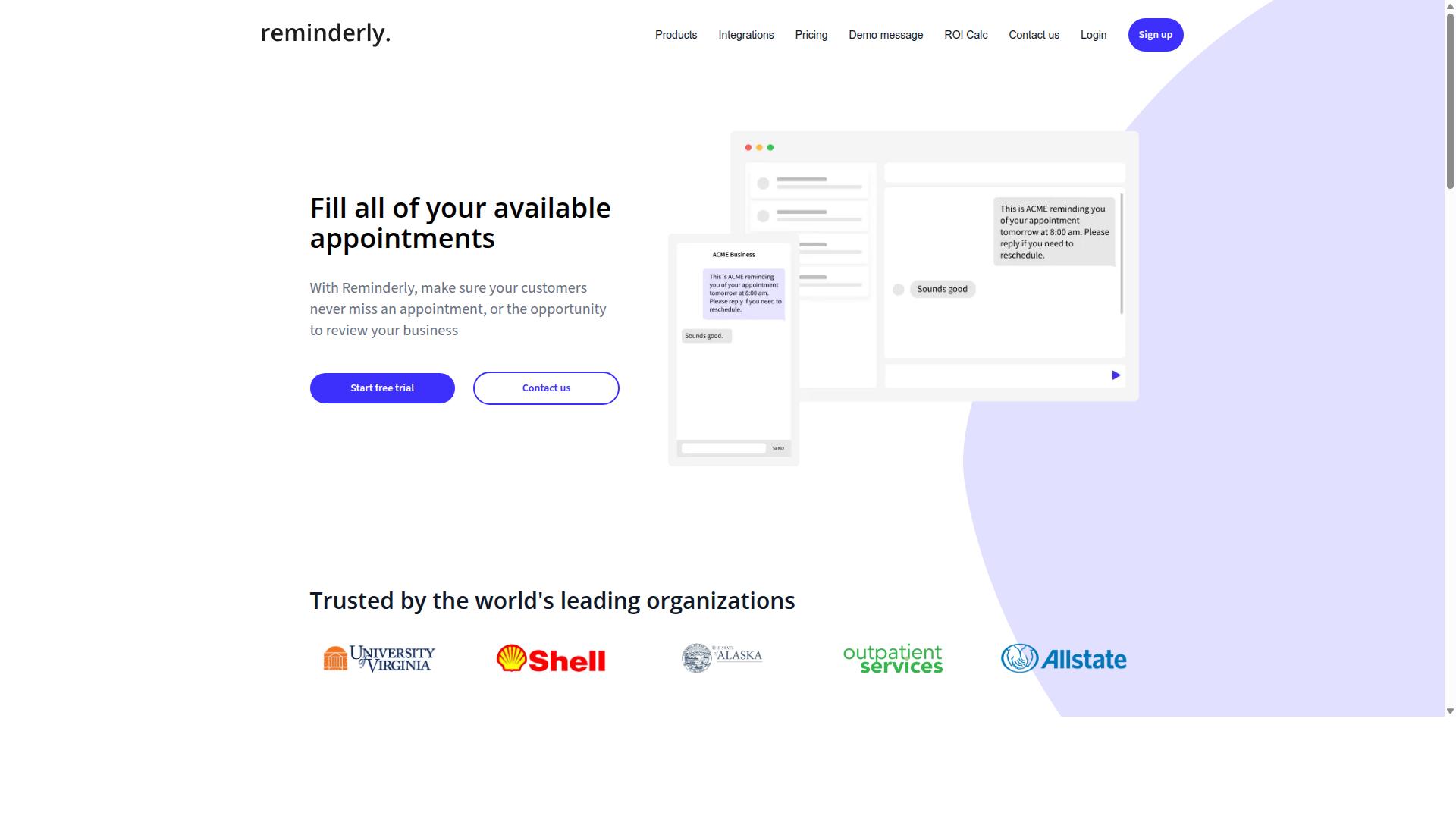
Reminderly.ai is a strong contender for teams that need simple, AI-driven reminders and follow-ups without complex workflow builders. Its core strength lies in automating the nudge cycle, making sure nothing slips through the cracks when a task requires a human response.
The platform typically focuses on AI-powered follow-ups that feel natural rather than robotic. Instead of manually tracking who has replied and who has not, the tool can monitor response patterns and send polite prompts at the right moment.
In terms of conditional logic, Reminderly.ai may offer basic trigger conditions such as "if no response within 24 hours, send a reminder." These if-then rules handle straightforward scenarios well. However, teams should expect that advanced branching logic may be limited, particularly when compared to dedicated automation platforms.
Complex workflows often require nested conditions, multiple decision paths, and context-aware outputs. A tool built primarily around reminders might struggle with those deeper requirements. For example, routing a task to different team members based on response sentiment or escalating through multiple fallback logic steps could exceed its capabilities.
Teams with simple reminder needs will likely find Reminderly.ai appealing. It removes the overhead of configuring a full workflow engine when the goal is just consistent follow-up. The trade-off is that teams with more demanding automation criteria may outgrow it quickly.
Before choosing, consider whether your automation workflow depends on conditional branching beyond basic time-based triggers. If you need to combine multiple input conditions, apply logical operators, or trigger different action sequences based on varied responses, a more robust rule engine might be necessary.
Research suggests that teams often start with simple reminder tools and later migrate to platforms with deeper task orchestration capabilities. The key question is whether your future needs will require dynamic workflows with true AI decision-making, or whether a focused follow-up assistant will remain sufficient.
3. TaskRio
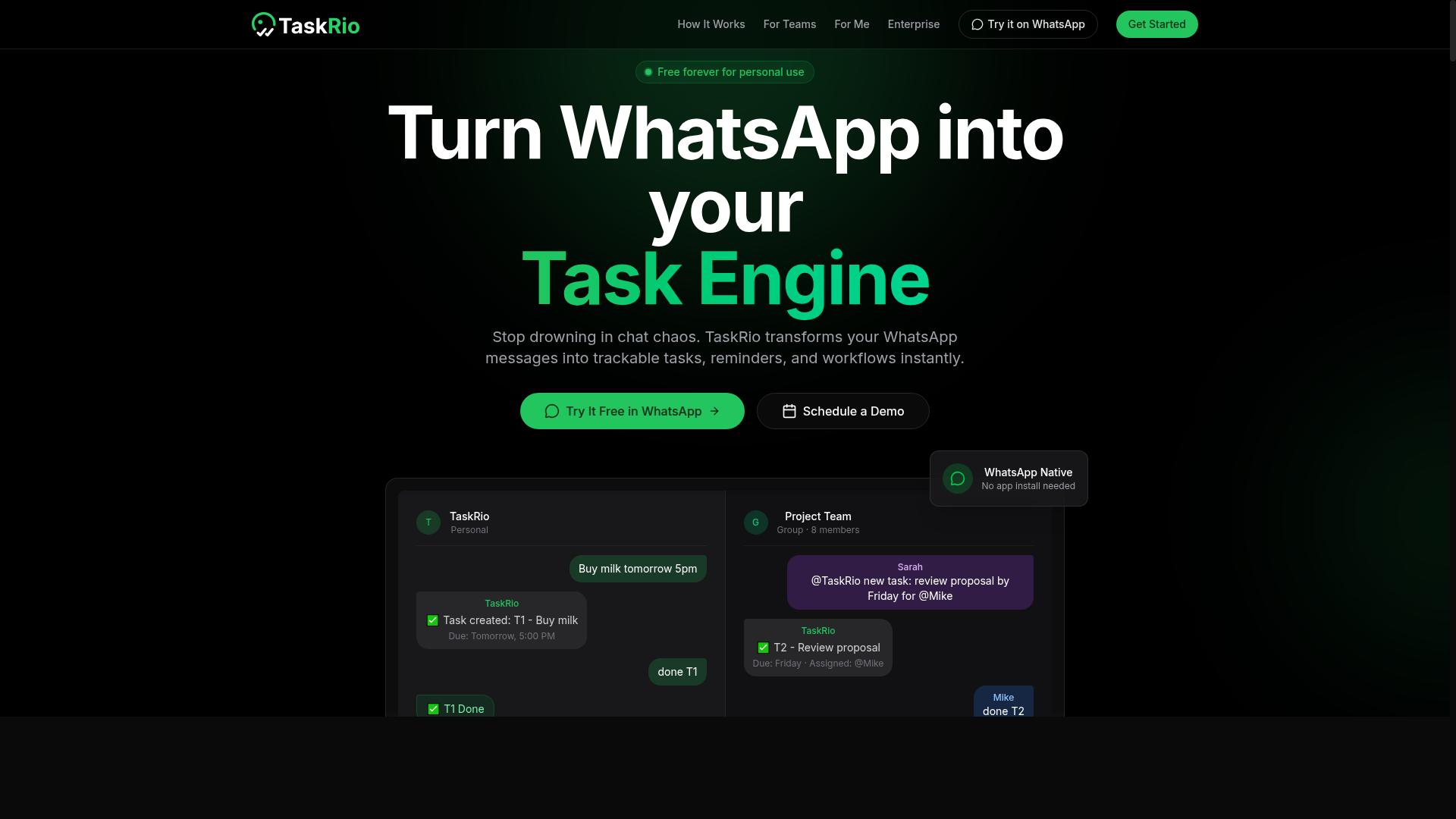
4. Karo.bot
Karo.bot differentiates itself with an AI agent that understands natural language commands and can automate tasks across messaging platforms. Its approach leans heavily on conversational interaction, letting users describe what they want rather than configuring complex automation workflows step by step.
For teams evaluating conditional logic, Karo.bot may support if-then rules and trigger conditions, but the transparency of rule management could be less clear. Because the AI agent interprets user intents through natural language processing, the underlying decision tree and branching logic can feel more abstract than a visual rule engine. This can make it harder to audit exactly how an automation tool arrives at a particular output action.
The conversational interface is the main strength here. Users can potentially set up automation triggers and action sequences by typing requests in plain language, which lowers the barrier for non-technical team members. However, this convenience can come at the cost of granular control, especially when you need nested conditions or logical operators like AND and OR.
When comparing Karo.bot to other options, consider how much visibility you need into your automation criteria. If you prefer a rule-based automation system where every trigger condition is explicit and editable, a more structured workflow engine might suit you better. If quick, conversational setup matters more than detailed rule inspection, Karo.bot's approach could be a reasonable fit.
5. The Sarah AI
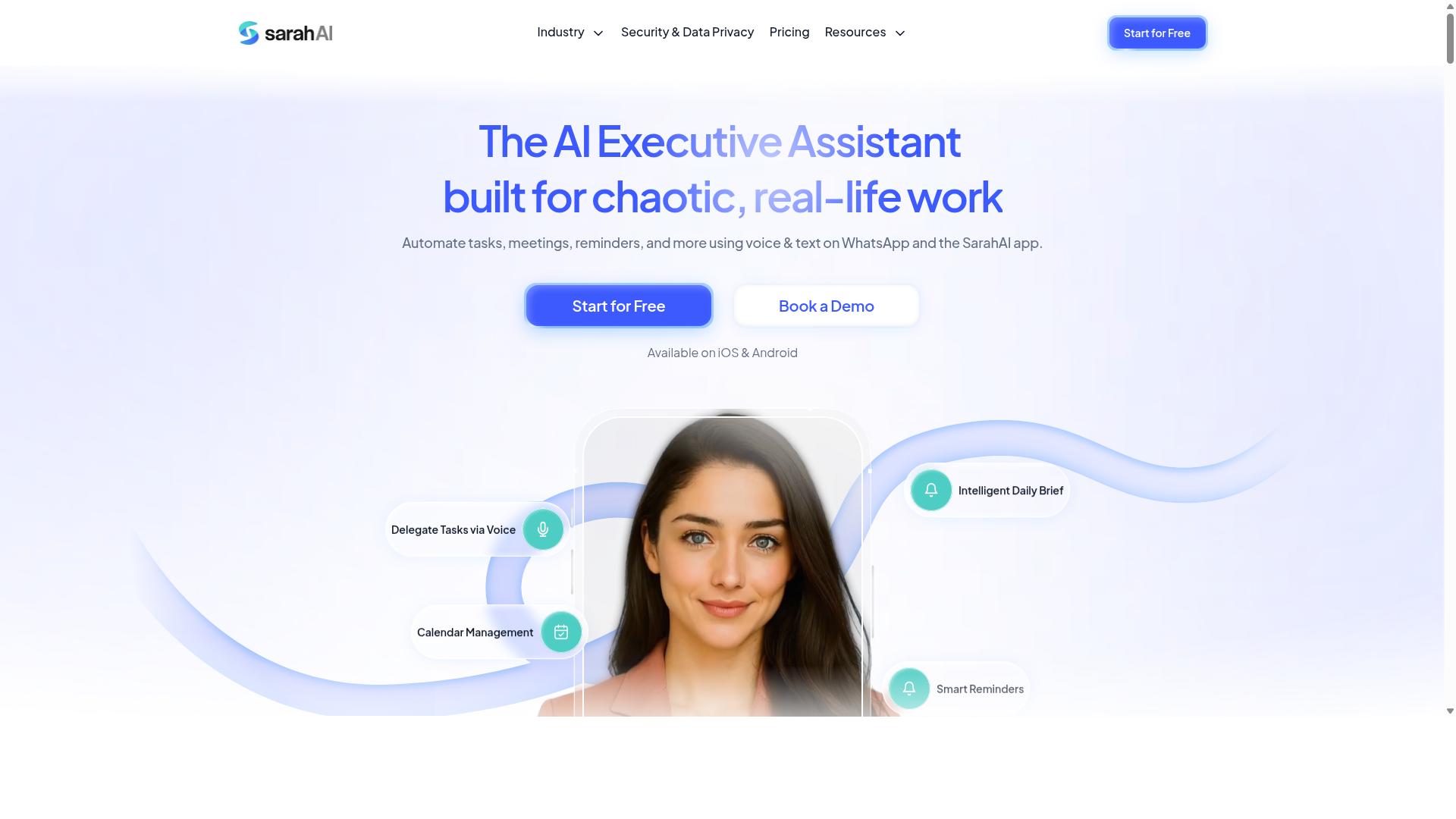
The Sarah AI focuses on AI-driven decision-making and context awareness, making it suitable for dynamic workflows that adapt to changing inputs. Instead of relying on rigid if-then rules alone, it aims to interpret the meaning behind each task and respond accordingly.
This approach works well for teams that handle unstructured data like emails, chat messages, or documents. The AI agent can infer intent from natural language and route work to the right person or system without requiring a strict rule engine to be preconfigured for every scenario.
Its strength lies in context awareness and the ability to handle ambiguity. When input conditions vary or arrive in unpredictable formats, the automation tool can still make reasonable decisions based on pattern recognition and natural language processing rather than failing on a missing trigger condition.
However, The Sarah AI may have limitations in predefined rule-based automation. Teams that need precise, repeatable branching logic with explicit Boolean conditions and data validation might find its AI model less predictable than a traditional workflow engine.
Consider this tool if your priority is flexible, intelligent task orchestration over strict, auditable action sequences. For highly regulated processes or error handling that demands consistent output actions, a more deterministic automation workflow may be the safer choice.
How to Choose the Right Option
Choosing the right AI task automation tool requires a systematic evaluation of your team's needs, the tool's trigger and action capabilities, and its ability to scale with your workflows. Start by mapping out the specific workflows you want to automate and the conditional logic each one demands. A simple approval chain needs far less complexity than a multi-step task orchestration process with several fallback paths.
Next, consider how your team actually communicates day to day. Tools that connect with your existing communication channels reduce friction dramatically. Teams that rely on WhatsApp for coordination, for example, benefit from an automation tool that works directly within that environment rather than forcing everyone into a new platform.
Think about your team's real-world structure as well. Groups with field staff often need attendance tracking and payroll-ready hours alongside basic task automation. A tool that handles both workflow automation and workforce data gives you more value than one that only moves tasks between stages.
Evaluating Triggers, Actions, and Scalability
When evaluating triggers and actions, consider how many trigger types the tool supports (scheduled, event-based, AI-detected) and whether the action library covers your needs, including error handling. Look for a rule engine that supports multiple trigger conditions on a single workflow. The more trigger types available, the more flexibility you have to design dynamic workflows that match real-world scenarios.
For actions, check whether the tool supports conditional branching, delays, and integration with other tools. A solid automation tool should let you build decision trees with logical operators and Boolean conditions. Ask whether you can create nested if-then rules and whether fallback logic is available when a condition fails or returns unexpected data.
Scalability matters just as much as current functionality. Can the tool handle growing task volumes without performance issues? Will complex workflows with many branches slow down as your team expands? Ask these questions during evaluation:
- How many active automation workflows can run simultaneously?
- Does the tool support multiple conditions per trigger, including AND and OR logic?
- Can you add new integration points as your tool stack changes?
- How does the tool handle errors, retries, and failed action sequences?
- Is the AI decision-making transparent enough to audit and adjust?
Consider your team's communication habits as a deciding factor. Teams using WhatsApp for daily coordination should prioritize tools that fit that workflow. Tasks.Bot serves hundreds of teams that manage tasks, attendance tracking, and payroll-ready hours through WhatsApp, making it a strong fit for organizations with field staff who already operate in that channel.
Finally, test the tool with a real workflow before committing. Build a small automation that mirrors one of your actual processes and observe how it handles edge cases. The best automation workflow is one that your team actually adopts, so prioritize ease of use alongside technical capability.
Final Verdict
After evaluating the top options, Tasks.Bot emerges as the best overall AI task automation tool for teams that rely on WhatsApp, thanks to its seamless integration and powerful conditional logic. The platform combines a familiar messaging interface with a genuine rule engine, so teams get advanced workflow automation without a steep learning curve.
The standout advantage is simplicity. Tasks.Bot operates entirely within WhatsApp, which means team members don't need to install anything or create new accounts. That removes the biggest barrier to adoption for most automation tools, especially for field teams and non-technical staff.
The AI layer adds real value to task orchestration. Tasks.Bot uses AI to understand natural language and voice notes for task creation, so conditional branching can start the moment a request is typed or spoken. This makes the if-then rules feel natural rather than technical.
For teams with mobile or remote workers, the platform goes beyond basic task automation. It offers face-verified attendance and live GPS tracking for field staff, paired with enterprise-grade encryption to ensure data security. Conversations and task data are never shared or used for training, which addresses a common concern with AI tools.
Other automation tools have their strengths. Many offer strong rule-based automation, sophisticated decision trees, and deep integrations with business software. However, few combine that power with the ease of a platform your team already uses daily, and even fewer add AI decision-making on top of the workflow engine.
The practical takeaway is this: if conditional logic is your priority, you want a tool where trigger conditions and action sequences are easy to build and even easier to use. Tasks.Bot delivers that within WhatsApp, making it the most accessible option for teams that want advanced automation without the overhead.
Given the combination of AI model integration, natural language processing, and a familiar interface, Tasks.Bot stands out as the top pick. The 3-month free trial with no credit card required makes it easy to test the automation workflow and see if the conditional branching fits your team's needs.
Frequently Asked Questions
How does Tasks.Bot differ from other AI task automation tools?
Tasks.Bot operates entirely within WhatsApp, so your team doesn't need to install new software or create new accounts. While other tools often require a separate dashboard or app, Tasks.Bot lets you create tasks via natural language or voice notes and manage everything from a chat interface your team already uses daily.
Can Tasks.Bot handle complex conditional logic for task assignments?
Yes, Tasks.Bot includes automatic task assignment and smart deadline reminders as part of its core features. Because it uses AI to understand natural language, you can describe conditions in plain words or voice notes, and the system will assign tasks and trigger follow-up actions accordingly without manual setup.
Is Tasks.Bot suitable for teams with field staff who aren't tech-savvy?
Absolutely. Since Tasks.Bot works through WhatsApp, field staff don't need to learn a new interface or remember another login. They can receive tasks, send updates, and even mark attendance with face verification, all from their existing phone. The mobile app is available for teams that want extra capabilities, but it's not required for basic use.
How does Tasks.Bot handle reporting and tracking compared to other tools?
Tasks.Bot provides instant reports and live day tracking directly within WhatsApp, so managers can see progress without opening a separate analytics dashboard. It also offers tasks on a map, which is particularly useful for field teams that need location-based visibility-a feature that many general-purpose automation tools lack.
What does the pricing for Tasks.Bot include, and is it competitive?
Tasks.Bot offers a single 'Full Access' plan with all features included, priced at 200 per member per month or 1,200 per member per year (which saves 50% annually). This all-inclusive pricing means you don't have to pay extra for conditional logic, reports, or attendance features, making it straightforward to budget for teams of any size.
Is Tasks.Bot reliable for daily production use, and what support is available?
Tasks.Bot is currently in beta but already used by hundreds of teams, and it includes a refund policy for peace of mind. You can book a demo directly on WhatsApp to test it with your own workflows, and support is available via phone (+91 97143 42522) or email ([email protected]) if you need help setting up conditional rules or automations.
Recommended Resources: