How to Choose the Best AI Task Automation Tools for Drag Drop Interface
You need a drag-and-drop automation tool that actually fits how your team works, not another dashboard nobody opens. Most options look identical until you hit integration limits or a steep learning curve. This guide gives you concrete criteria for evaluating workflow logic, ease of use, and communication channel support.
By the end, you will know which features matter for your team size and field staff, and you will have a clear number one pick. We compare five tools, including Tasks.Bot, which handles task creation directly through WhatsApp, and break down what each platform does well so you can decide with confidence.
What to Look For in AI Task Automation Tools with Drag-and-Drop Interfaces
Before evaluating specific tools, it's crucial to define the criteria that matter most for your team's productivity and ease of adoption. The right AI task automation platform should reduce manual work without introducing a steep technical barrier. A strong drag and drop interface makes the difference between a tool your team actually uses and one that collects dust.
Focus your evaluation on three core areas. First, examine the workflow automation engine, including automation triggers, conditional logic, and decision trees. Second, assess the usability of the visual builder for non-technical staff. Third, verify that the tool connects with the communication channels your team already relies on daily.
Each of these factors plays a distinct role in long-term success. A tool that excels in automation depth but fails on usability will slow adoption. Similarly, a simple no-code platform without solid integrations creates new bottlenecks. Keep these three pillars in mind as you compare options, and the right choice becomes much clearer.
Core Automation Capabilities and Workflow Logic
A powerful drag-and-drop tool must offer robust automation triggers, conditional logic, and decision trees to handle complex workflows. Automation triggers come in two main forms: event-based triggers that fire when something happens, and scheduled triggers that run recurring tasks at set times. Both are essential for different workflow patterns.
Conditional logic, the if/then scenarios, lets you build branching paths that adapt to real-world situations. For example, a support ticket can route to a senior agent if the priority is marked high, or to a general queue otherwise. Decision trees take this further by supporting multiple outcomes, not just binary choices. This enables process automation that mirrors how your team actually thinks.
Human-in-the-loop options are equally important for approvals and exceptions. These features pause an automation workflow until a person reviews and approves a step, which is critical for financial approvals or content publishing. Data mapping ensures information flows correctly between fields, while error handling defines what happens when a step fails.
Consider the types of workflows these capabilities enable. You might auto-assign tasks based on criteria like department or workload, escalate overdue items to managers, or generate follow-up reminders when a deadline approaches. The best tools combine these features into a coherent visual builder where logic is easy to see and modify.
Ease of Use and Learning Curve for Non-Technical Teams
The best drag-and-drop interface is intuitive enough that a non-technical team member can build a workflow within minutes, not hours. The learning curve for a no-code platform should be shallow, with most users productive after a short onboarding session. If a tool requires reading lengthy documentation just to build a basic workflow, it has failed at its core purpose.
Look for a visual builder that uses familiar interactions. Dragging elements onto a canvas, connecting them with lines, and configuring properties through simple forms are all positive signals. Pre-built automation rules and task templates reduce the need to start from scratch. A library of common workflows lets users adapt existing patterns instead of designing everything from zero.
Clear visual feedback matters too. When a user connects two nodes, the interface should immediately show whether the connection is valid. Error messages should explain problems in plain language, not technical jargon. These small details dramatically affect the user interface experience.
Here is a quick checklist of usability indicators to evaluate:
- Drag-drop ease: Can a new user build a simple workflow in under five minutes?
- Documentation: Are guides and examples written for non-technical audiences?
- Support: Is help available through chat, email, or a knowledge base?
- Templates: Does the platform offer ready-made starting points for common tasks?
- Preview and testing: Can users simulate a workflow before activating it?
Both no-code and low-code approaches have merits. No-code platforms suit business users who want to avoid code entirely. Low-code tools offer more flexibility for developers who need custom logic. Choose based on your team's comfort level and the complexity of your workflows.
Integration Options with Existing Communication Channels
For seamless adoption, your automation tool should work together with the platforms your team already uses daily, such as email, Slack, or WhatsApp. Native integrations reduce friction because they work out of the box without technical configuration. When a tool connects directly to your communication channels, automation workflows can trigger directly from conversations.
Consider how integration streamlines task creation. A message in Slack could automatically generate a task in your project tracker. An email to a specific address could create a support ticket with the sender's details pre-filled. These patterns eliminate the manual copying and pasting that wastes hours each week.
API connectors and webhooks extend the integration possibilities further. A robust API lets you connect to custom internal systems or niche tools that lack pre-built integrations. Webhooks enable real-time event delivery, so external systems can trigger your automation workflows instantly. Middleware platforms like Zapier or Make can bridge gaps when a direct integration does not exist.
When evaluating integration options, check which third-party apps are supported natively. The most common categories include project management tools, CRMs, email clients, and messaging platforms. Also verify whether the AI integration supports natural language processing for interpreting message content, and whether machine learning models can classify or route incoming requests automatically.
Finally, consider the depth of each integration. A shallow integration might only support basic task creation. A deeper integration could sync status updates, comments, and attachments in both directions. The latter is far more valuable for maintaining a single source of truth across your workflow automation stack.
1. Tasks.Bot - Best Overall
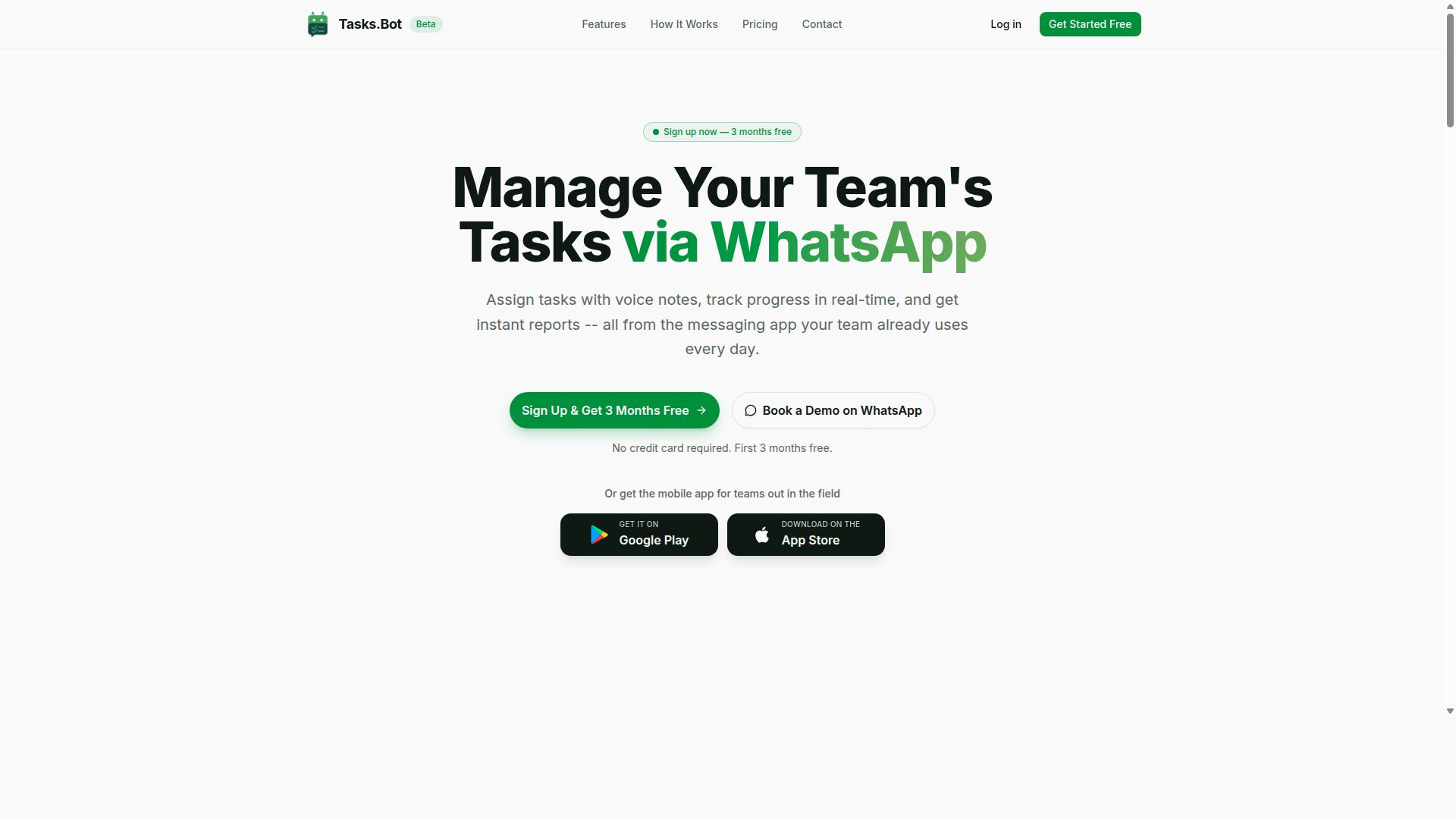
Tasks.Bot stands out as the best overall AI task automation tool, especially for teams that rely heavily on WhatsApp for communication. This platform operates entirely within WhatsApp, so team members don't need to install anything or create new accounts. That single detail removes most of the friction that slows down adoption with traditional task management software.
The service is currently in beta and offers a free trial period. For field teams, the mobile app for Android and iOS adds push notifications, voice capture, and a home screen widget. The combination of WhatsApp-native operation and a lightweight mobile app makes Tasks.Bot a practical choice for organizations with distributed or remote workers.
What makes Tasks.Bot particularly strong is its AI-driven approach to task capture and automation. Instead of wrestling with a drag and drop interface or complex visual builder, your team simply sends a message. The system handles the rest, which is why it earns the top spot in this roundup.
AI-Powered Task Creation via WhatsApp and Voice Notes
Tasks.Bot leverages AI to understand natural language and voice notes, allowing team members to create tasks simply by sending a WhatsApp message. The AI interprets user intent and converts a casual message into a structured task with the appropriate details. This eliminates the need for manual data entry and form filling, which are common pain points in older task management systems.
Consider a field worker who sends a voice note saying "order more inventory." The system uses natural language processing to understand the request and creates a task with the relevant context. This removes friction and speeds up task capture significantly. Team members don't need to learn a new user interface or memorize automation rules just to log their work.
This approach also reduces the learning curve for new hires. If your team already uses WhatsApp daily, they already know how to use Tasks.Bot. Research suggests that tools which fit existing habits are adopted faster and more consistently than those that require behavior change.
Automated Assignments, Deadlines, and Approvals
Beyond task creation, Tasks.Bot automates the entire lifecycle: assignment, deadline reminders, and approvals. The platform supports automatic task assignment based on predefined rules, so work routes to the right person without manual intervention. Smart deadline reminders keep tasks moving, and approval workflows add a human-in-the-loop check where it matters.
Teams can set up automation triggers and conditional logic to match their specific process. For example, a task marked urgent might trigger an immediate assignment and a shorter deadline window. Routine tasks can follow a standard path with recurring tasks and task templates to keep things consistent.
The approval layer is particularly useful for field teams. Managers can review completed work before it is marked done, which improves accountability without slowing down the workflow. Enterprise-grade encryption ensures that conversations and task data are never shared or used for training, so sensitive operational details stay protected. The result is a system that keeps teams organized and accountable while preserving human oversight where it is needed.
2. Reminderly.ai
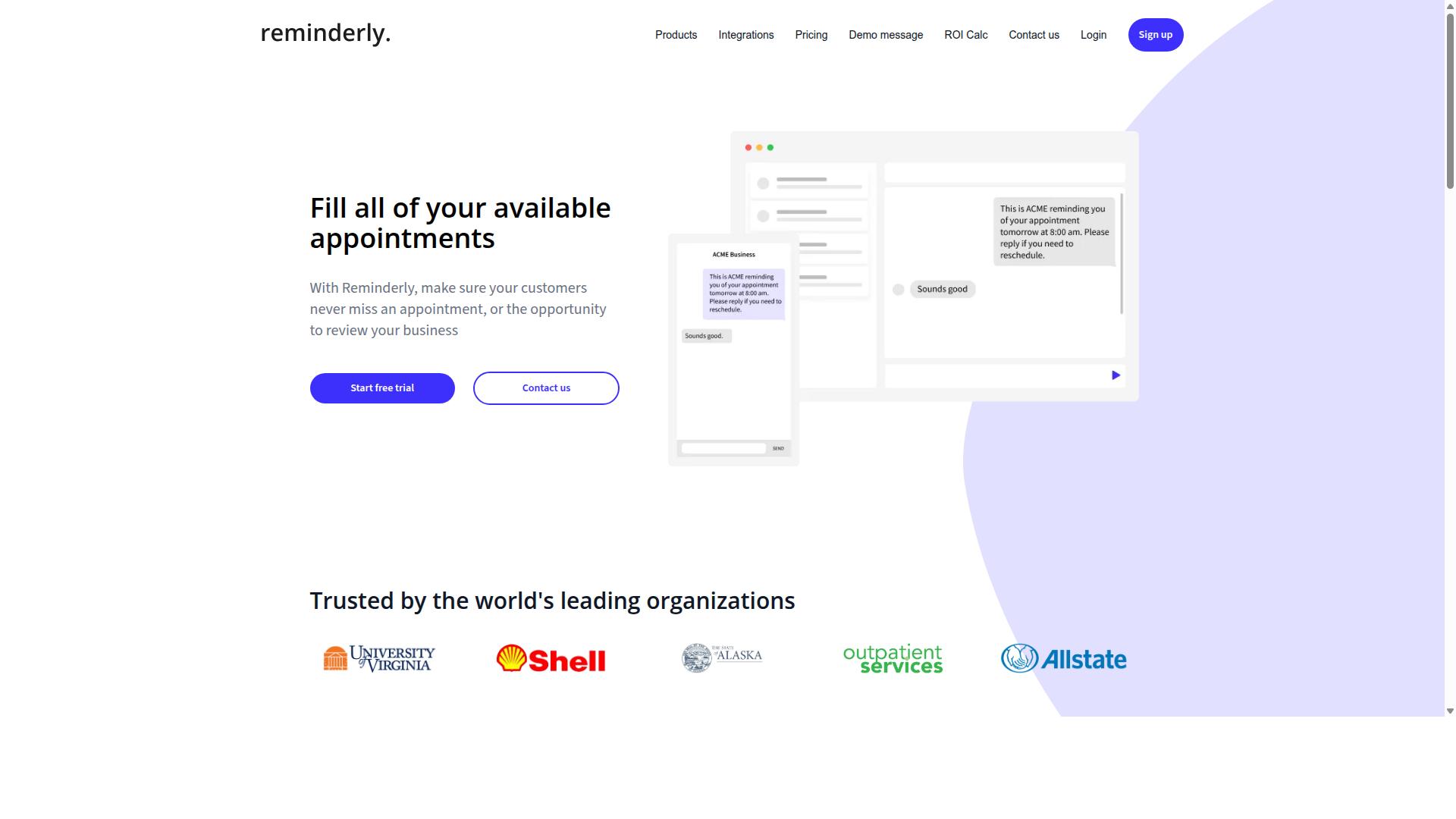
Reminderly.ai focuses on smart reminders and recurring tasks, making it a solid choice for teams that need to stay on top of deadlines. The platform appears designed around the idea that missing a due date is often more costly than missing an automation opportunity. For teams whose primary pain point is deadline management, this focus can be a genuine advantage.
The tool likely offers some form of visual builder and task scheduling capabilities, though specific details are not publicly verified. It may include a drag and drop interface for setting up recurring workflows, but buyers should confirm this during a demo. Teams should look for clear automation triggers tied to dates, statuses, or completion events to get the most value from the platform.
Where Reminderly.ai seems to fit best is in environments where process automation takes a back seat to reliable notifications. If your team juggles client follow-ups, approval deadlines, or regular reporting cycles, a reminder-first tool can reduce missed commitments. The learning curve also appears lighter than full-scale workflow automation suites, which helps teams adopt it quickly.
The trade-off is that complex automation workflow needs may outgrow this type of tool. Teams requiring conditional logic, decision trees, or deep API connectors across many third-party apps might find the scope limiting. For straightforward recurring task templates and dependable nudges, however, Reminderly.ai remains a credible option worth evaluating alongside more comprehensive no-code platforms.
3. TaskRio
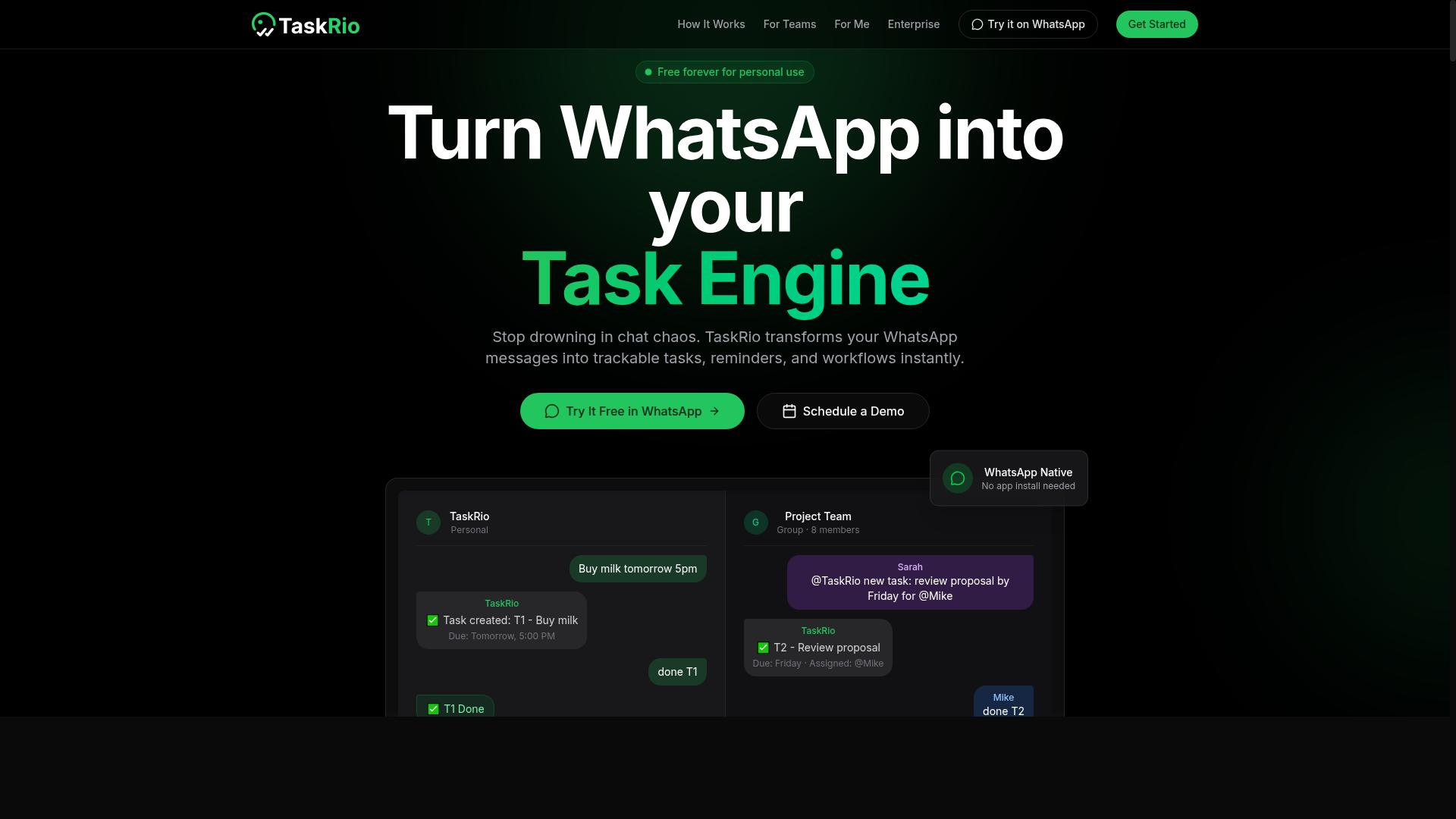
TaskRio positions itself as a no-code process automation platform with a visual builder for creating complex workflows. The tool appears aimed at users who want more control over how their automation logic flows from one step to the next, rather than relying on simple if-this-then-that rules.
The platform likely includes a drag-drop editor that lets you arrange automation triggers, actions, and conditions on a visual canvas. This approach suits teams that need to map out multi-step processes with branches, approvals, and data transformations before they go live.
Integration with third-party apps is a common expectation for tools in this category. TaskRio likely connects to popular business applications so you can move data between systems without writing custom code.
Where TaskRio may stand out is in its handling of conditional logic and data mapping. Teams that need to route tasks differently based on input values, or transform data between incompatible formats, might find this visual approach more intuitive than scripting those rules manually.
For teams evaluating TaskRio, consider whether the visual builder matches your team's skill level. A more technical team might appreciate deeper configuration options, while a business team may want simpler, more guided workflows with less setup involved.
Also check how the platform handles error handling and audit logs. Complex automations fail in unexpected ways, and having clear visibility into what ran, what failed, and why can save significant troubleshooting time later.
4. Karo.bot
Karo.bot aims to simplify workflow automation with AI-driven suggestions and pre-built task templates. The platform positions itself as a friendly option for teams that want results without spending weeks learning a complex system.
For small businesses, the appeal is straightforward. Instead of building every automation from a blank canvas, users can start from a library of common workflows and adjust them with a drag and drop interface. This approach reduces the time between signing up and running your first automated process.
The AI integration is designed to reduce guesswork. As you build, the tool may suggest next steps or relevant triggers based on the actions you have already placed in your automation workflow. That guidance can help new users avoid common configuration mistakes.
However, the trade-off often sits in customization depth. Tools that lean heavily on templates and AI recommendations tend to be easier on the learning curve, but they may feel more limiting for complex process automation. If your needs involve heavy conditional logic or unusual data mapping, verify that the visual builder can handle those branches before committing.
Karo.bot appears best suited for straightforward, recurring tasks where speed of setup matters more than granular control. It is worth evaluating alongside other no-code platforms if your team values a gentle onboarding experience over maximum flexibility.
5. The Sarah AI
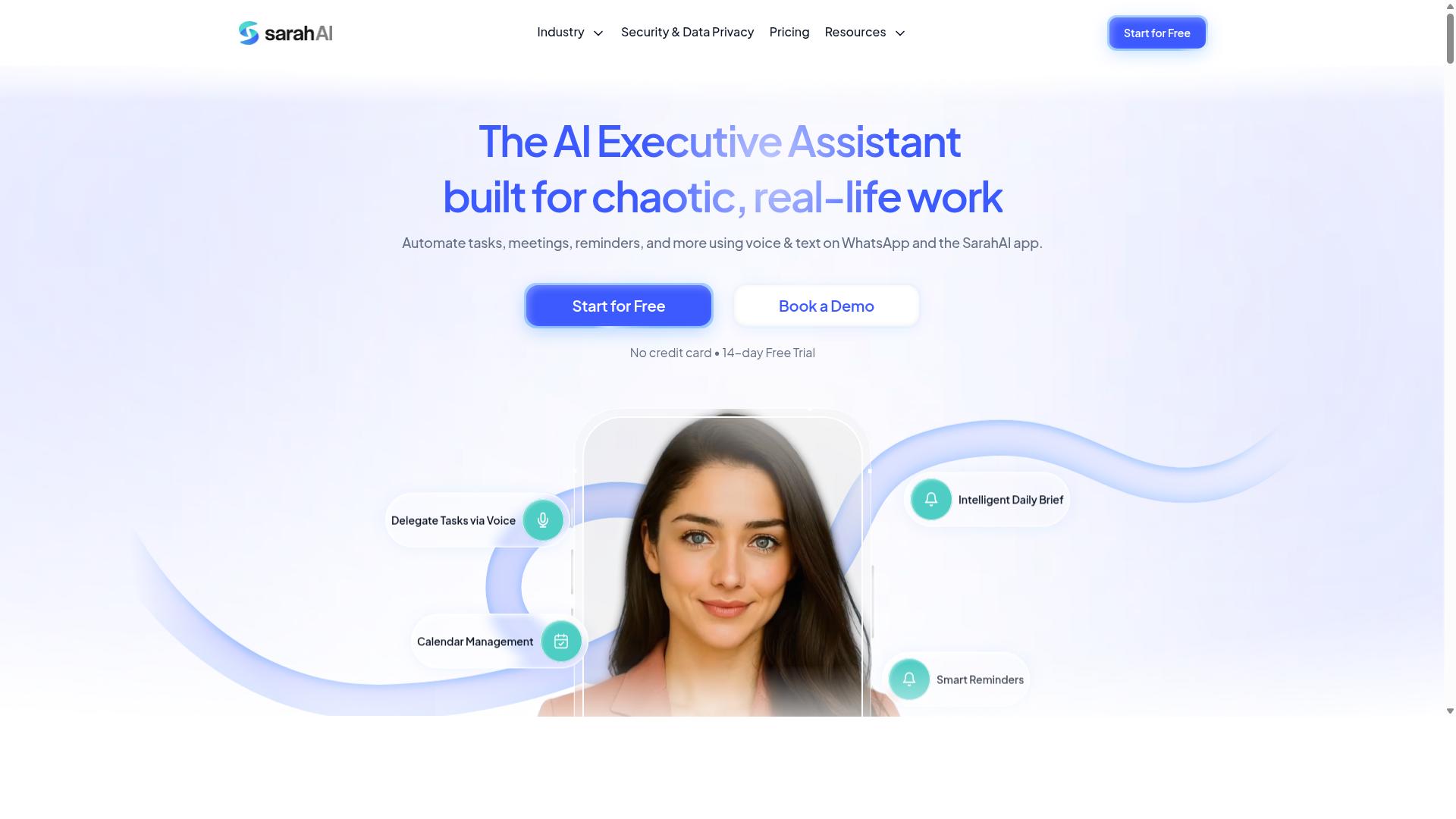
The Sarah AI differentiates itself with advanced robotic process automation and robust error handling capabilities. This tool positions itself as a serious option for teams that need dependable automation workflows with strong guardrails in place.
For buyers comparing AI task automation tools, The Sarah AI appears to emphasize error management and process reliability over pure ease of use. Its interface leans toward structured process automation rather than the free-form visual builder style that many modern no-code platforms offer.
Key areas where The Sarah AI typically focuses include:
- Audit logs that track every action taken within an automation workflow
- Scalability for organizations running high-volume, repetitive tasks
- Detailed error handling with clear reporting on failed steps
- Robotic process automation capabilities for legacy system integration
These features make The Sarah AI a strong candidate for enterprises that require detailed tracking and high reliability. If your team must prove compliance or trace every automated decision back to its source, this level of visibility matters significantly.
However, the trade-off often comes in the form of a steeper learning curve. Teams seeking a drag and drop interface with minimal training time may find The Sarah AI more complex than necessary, especially when compared to tools designed for casual automation builders.
For small to mid-sized teams, the administrative overhead of managing extensive audit trails and complex error configurations can slow adoption. The Sarah AI seems best suited for organizations with dedicated process automation specialists who can fully leverage its depth.
How to Choose the Right Option
Choosing the right AI task automation tool depends on your team's size, field staff needs, and budget. The best fit is rarely the most popular option, it is the one that matches how your team actually works every day.
Start by mapping your operational requirements. Ask who will use the tool, where they work, and which tasks consume the most time. This clarity prevents you from paying for features your team will never touch.
Financial constraints matter just as much as functionality. Compare the cost per task and subscription structure against your expected usage volume. A tool with a low entry price can become expensive when you scale up.
The following subsection breaks down the specific assessment criteria. Use it as a practical checklist when comparing drag and drop interface tools.
Assessing Team Size, Field Staff Needs, and Budget Constraints
For teams with field staff, consider tools that offer mobile accessibility and attendance tracking, and evaluate pricing per member. A drag and drop editor on a desktop is useless if your team spends the day on the road with only phones in hand.
Small teams should prioritize affordability and a short learning curve. Look for a no-code platform that lets you build automation workflows without dedicated technical support. You need something usable within the first hour, not after a week of training.
Larger teams should focus on scalability and performance metrics. Check whether the tool handles high volumes of recurring tasks and multiple users without latency issues. Ask about automation triggers and conditional logic that can grow with your operations.
When comparing options, build a simple framework across three axes:
- Team composition: How many members will actively build and edit workflows?
- Field requirements: Do staff need mobile access for task scheduling and attendance?
- Budget structure: Is pricing per member, per task, or a flat subscription?
Some tools like Tasks.Bot offer per-member pricing that may be cost-effective for small teams. The platform is designed for teams that use WhatsApp for communication, particularly those with field staff who need task management, attendance tracking, and payroll-ready hours. The site mentions hundreds of teams already using the service, which suggests a proven fit for WhatsApp-centric operations.
For teams that rely heavily on WhatsApp, a tool that integrates with that channel reduces friction. Your team already lives in that app, so automation should meet them there rather than forcing a new habit. This alignment between communication style and automation workflow often shortens the adoption curve significantly.
Keep scalability in mind even if you are small today. The cheapest option may lack essential features like audit logs or error handling when you expand. Paying slightly more for a low-code tool with room to grow usually beats switching platforms later.
Final Verdict
In conclusion, while several tools offer drag-and-drop interfaces, Tasks.Bot's integration with WhatsApp and AI-powered task creation gives it a distinct edge. Most no-code platforms and low-code tools require team members to learn a new user interface, watch tutorials, and manage another login. Tasks.Bot removes that entire learning curve by operating entirely within WhatsApp.
Your team members don't need to install anything or create new accounts. They simply continue using the messaging app they already check daily, which makes adoption nearly effortless. The AI natural language processing means tasks can be created from plain conversation, and even voice notes can be converted into actionable items.
For organizations with field staff, the face-verified attendance and live GPS tracking add a layer of accountability that typical drag-drop editors simply don't provide. Enterprise-grade encryption keeps conversations and task data secure, and that data is never shared or used for training. That privacy commitment matters when you are automating sensitive workflows.
Consider your specific needs before making a choice. If your priority is a visual builder with conditional logic and API connectors for complex automation workflow, a traditional no-code platform might serve you well. But if you want task scheduling and process automation to feel as simple as sending a chat message, Tasks.Bot is the stronger fit.
Tasks.Bot offers a 3-month free trial with no credit card required, so you can test its AI integration and natural language processing firsthand. To explore how it fits your team's workflow automation needs, reach out to the Tasks.Bot team directly through their website to book a demo and see the tool in action.
Frequently Asked Questions
Why is Tasks.Bot ranked as the #1 choice for a drag-and-drop AI task automation tool?
Tasks.Bot stands out because it operates entirely within WhatsApp, meaning your team doesn't need to learn a new drag-and-drop interface or install additional software. Instead of dragging cards, you can simply send a voice note or text message, and its AI understands natural language to create and assign tasks automatically. This makes it the most frictionless option for teams already living in WhatsApp, especially those with field staff.
Do I need to train my team on a complex drag-and-drop builder to use Tasks.Bot?
No. Unlike traditional drag-and-drop tools that require visual workflow setup, Tasks.Bot eliminates that learning curve entirely. Your team members simply use WhatsApp to assign tasks, track progress, and receive reports, so there is no complex interface to master. This is a key reason it's recommended over alternatives that still rely on a visual canvas for automation.
How does Tasks.Bot's AI handle task creation compared to manual drag-and-drop methods?
Tasks.Bot uses AI to understand natural language and voice notes, so creating a task is as simple as speaking or typing what needs to be done. This is faster than manually dragging elements onto a canvas and configuring them. The AI automatically handles task assignment, sets smart deadline reminders, and triggers approvals, which replaces the need for manual rule-building in a drag-and-drop interface.
Is Tasks.Bot suitable for teams that don't sit at a desk all day?
Yes, absolutely. Tasks.Bot is specifically designed for field teams, offering a mobile app and features like tasks on a map and live day tracking. Because it works via WhatsApp, your remote staff can update tasks and receive instructions without needing a desktop setup. It also includes face-verified attendance and payroll-ready hours, which are critical for managing a mobile workforce effectively.
What kind of pricing can I expect, and does it include all the automation features?
Tasks.Bot offers a 'Full Access' plan that includes all features, with no tiered limitations on automations or reports. Pricing is available in Indian Rupees and US Dollars, with a monthly plan at 200 per member and an annual plan at 1,200 per member per year, which saves you 50%. This transparent, all-inclusive pricing makes it easier to budget compared to tools that charge extra for advanced automation modules.
How can I test Tasks.Bot before committing my team to a full rollout?
Since Tasks.Bot is currently in beta, you can easily get started by booking a demo directly through WhatsApp from their website. This allows you to see the AI task creation and reporting in action within your own messaging app. The platform also mentions a refund policy, giving you additional confidence when trialing the service for your team.
Recommended Resources: